In most of the task related views, a task entry will support swiping actions.
By default:
- Swiping a task entry to the left will offer a delete task option
- Swiping a task entry to the right will change the task status to ‘Completed’.
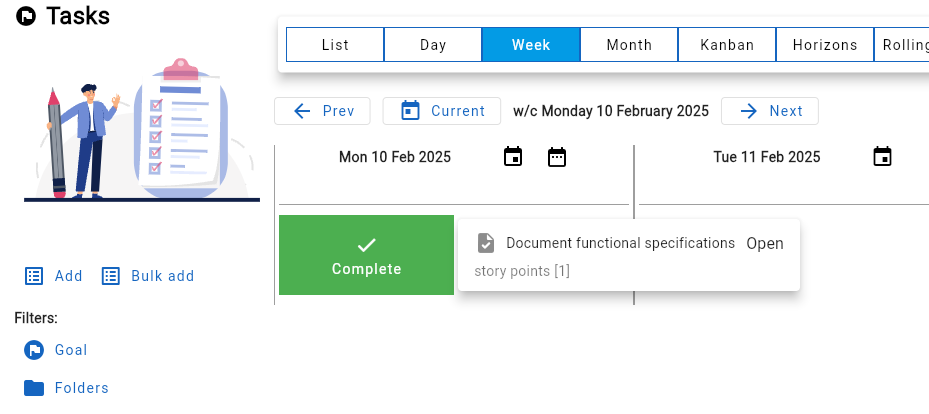
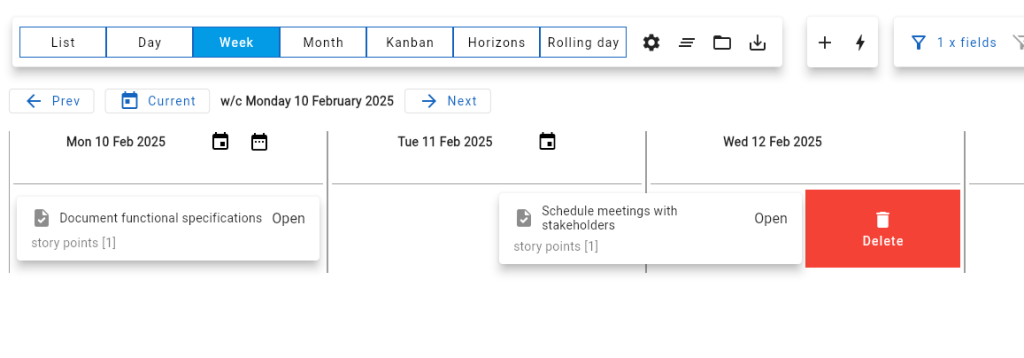
The swipe options can be configured via the User settings form, where:
- The delete action can be set to either the right or left swipe
- The state used for the other action can be chosen (by default this is ‘Complete’)
- The state change can optionally include a confirm step.