The Planning page is opened by clicking on the ‘Planning’ button in the main features panel.
The Planning page is where a user can:
The Planning page has two main areas:
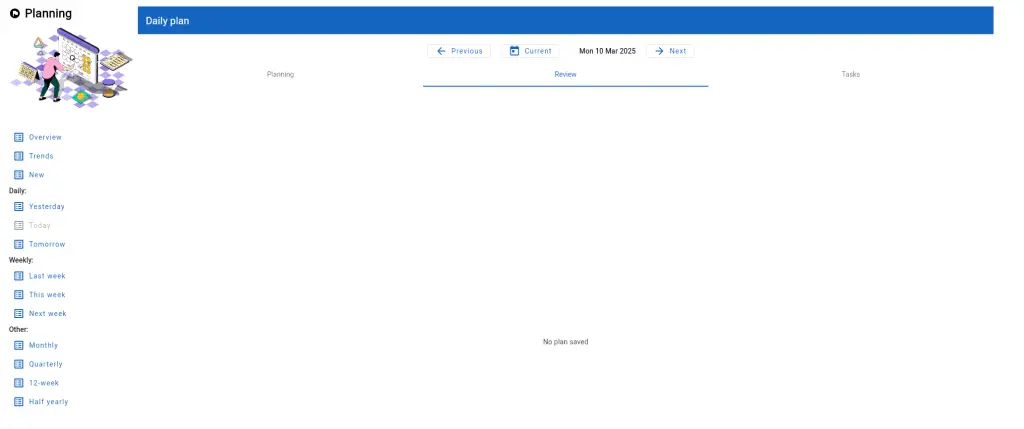
- Actions panel: The actions panel is located on the left side of the Planning page, and includes a set of quick access buttons for opening a plan, finding a plan, or viewing plan trends.
- Data area: This area to the right of the actions panel will change to reflect the current planning focus.