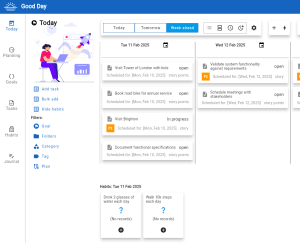

The Good Day app is available as a browser based web app or an Android app.
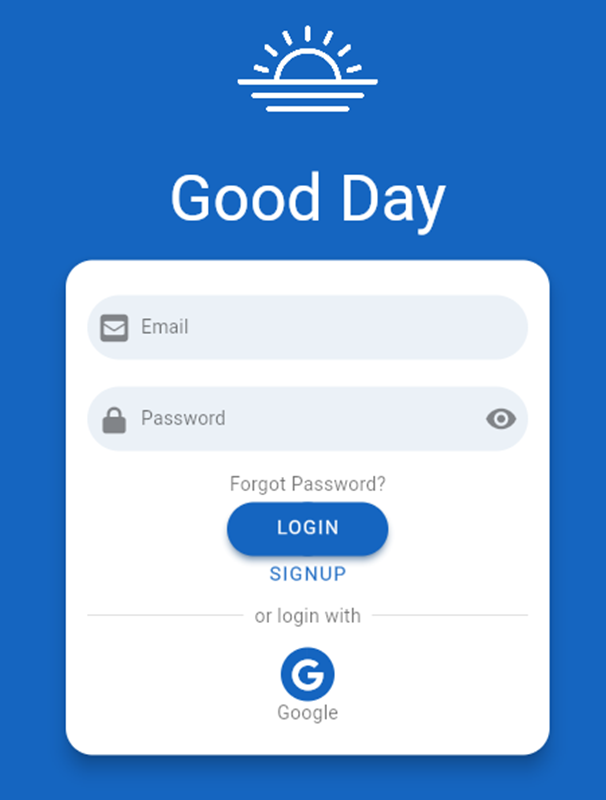
The sign up process is the same for both the web app and Android app. Click on the ‘SIGNUP’ button to start
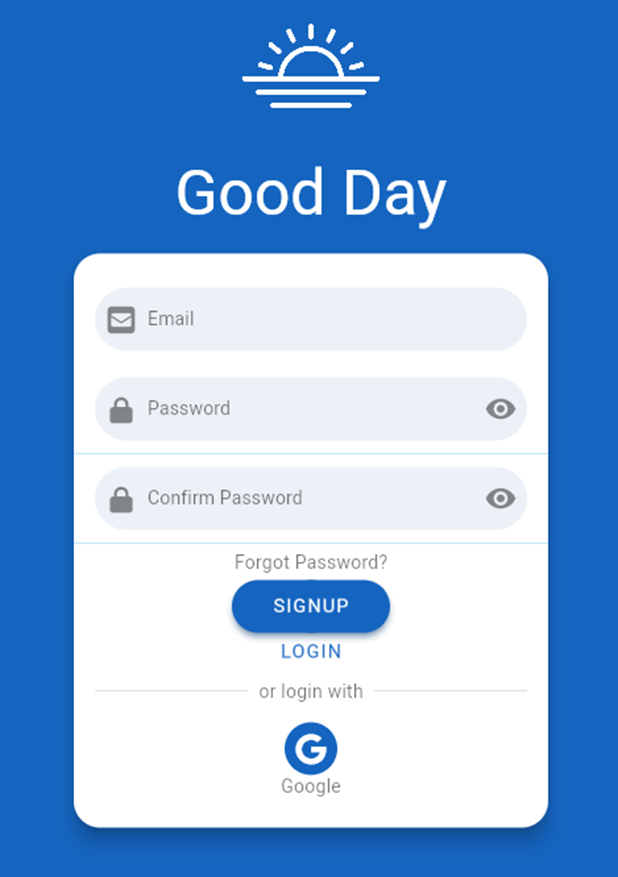
The form display will change to show fields to collect the new users email address and password.
Click the ‘SIGNUP’ button again to confirm the sign up request.
Once the signup action has been accepted, the Good Day service will dispatch an ID verification email to the user.
Inside the email is a button link that when clicked on will ratify the user’s identify.
From that point onwards, the user is free to use both the web app and the Android app.
Copyright @2025. Essays In Software. All rights reserved