The User Settings form has a tab that includes controls for configuring how the severity attribute is treated and displayed.
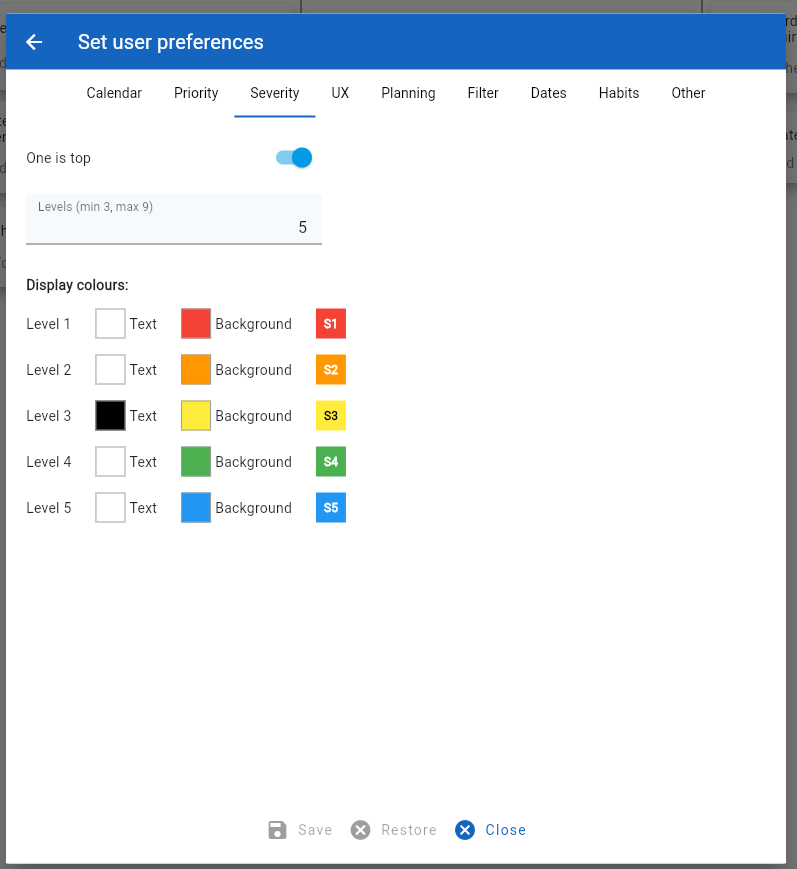
The form tab includes the following configuration options:
- One is top: By default, the top severity rating is ‘1’. However, this can be changed so that the highest number is considered the top severity (e.g., ‘5’ when the levels are set to ‘5’).
- Levels: This defines the number of different severity rating levels from ‘1’ to this number.
- Display colours. These options define the colours used to display severity settings in task, habit and goal views.