Multiple new goals can be added in one action by using the ‘Bulk add’ feature.

Click on the ‘Bulk add’ button found in the actions panel, and the Bulk add Goals form will popup.
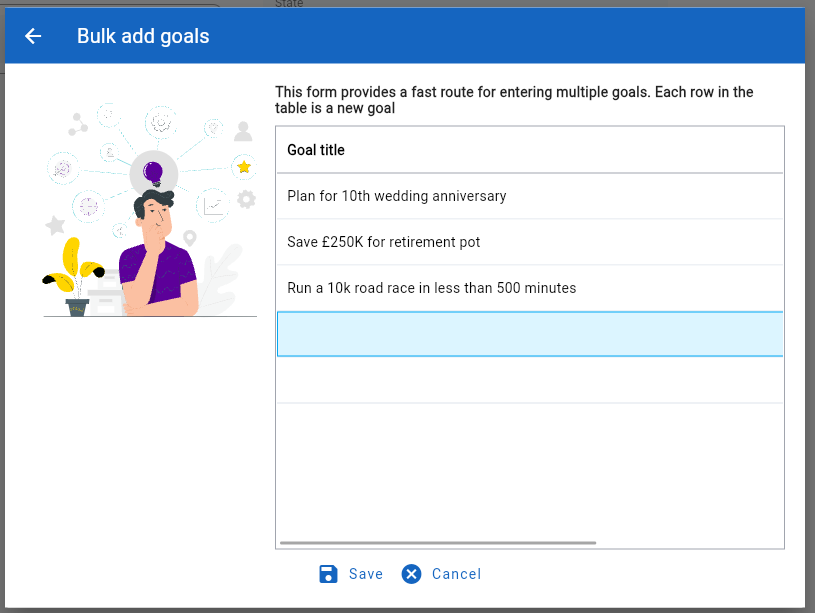
Enter each new goal on a separate line. When complete, click on the ‘Save’ button to save each line as a new goal.