To gain access to ‘Good Day’, the user might first complete the signup process
To start, open the Android app, or if using the web app, open a browser page at https://eisgd.com

Then click on the ‘SIGNUP’ button. The display will change to show…
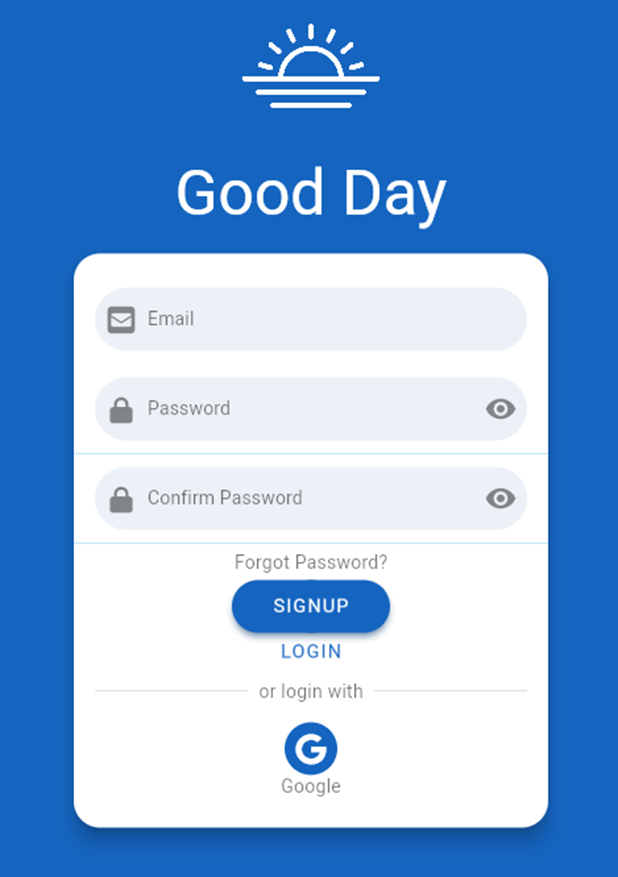
Enter the new user’s email address and the desired password twice. Then click on the ‘SIGNUP’ button
At this point, the display will change to a screen with the message ‘Awaiting identity confirmation’.
As part of the signup process, the new user will receive an email to the newly registered email address. The body of that email will include a link that the user must click on to activate their account.
After clicking on the link in the email, a web browser page will be opened at the ‘Good Day’ login page.
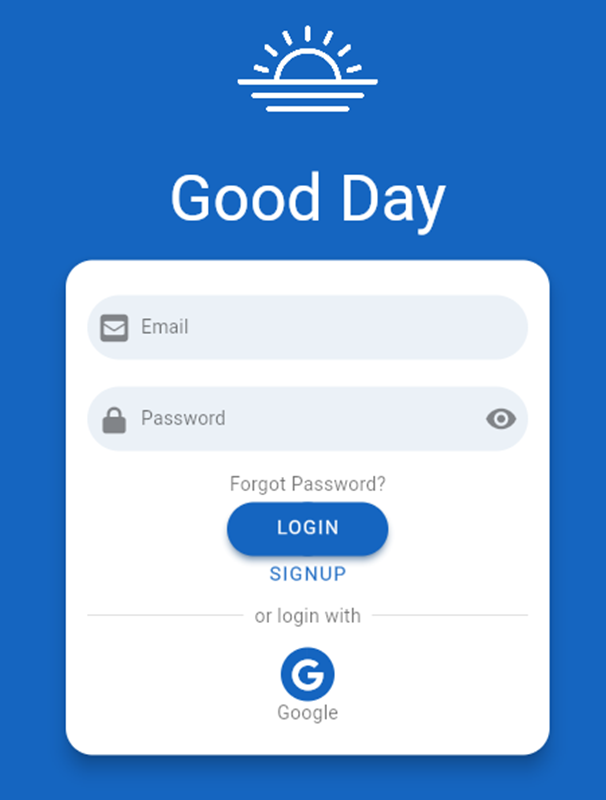
The new user must log with their email address and password. Once authenticated, the web browser will change to display the default starting page

The new user’s trial period commences on the first login. The new user is granted 30 days of free access to ‘Good Day’.

Within 30 days, the user must decide whether to purchase a subscription. Towards the end of the 30-day trial period, a red banner will appear at the top of the web display to remind the user of how many days remain of their trial period.