Clicking on the ‘All open’ action panel button will display a list of the open plans:
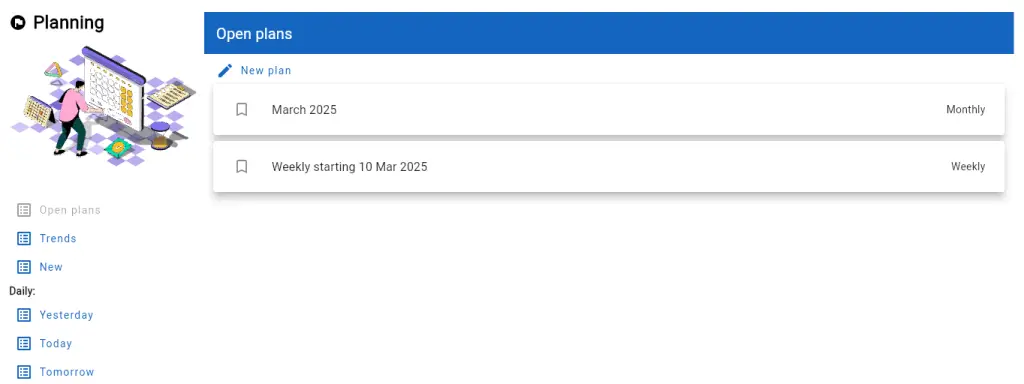
From this list:
- The user may click over a list entry to open that plan
- Swipe left on an entry to delete the plan
- Swipe right on an entry to close the plan
< 1 min read
Clicking on the ‘All open’ action panel button will display a list of the open plans:
From this list:
Copyright @2025. Essays In Software. All rights reserved