What is a folder? #
A folder provides a method for grouping tasks or goals that share some commonality. It has a name and can exist within a hierarchy of other folders.
How folders can be used? #
A folder can be used to group tasks or goals. For example, a folder can represent a project of associated tasks, or provide a way of grouping things like blog post ideas.
Managing folders #
The list of defined folders can be managed from the user setting menu.
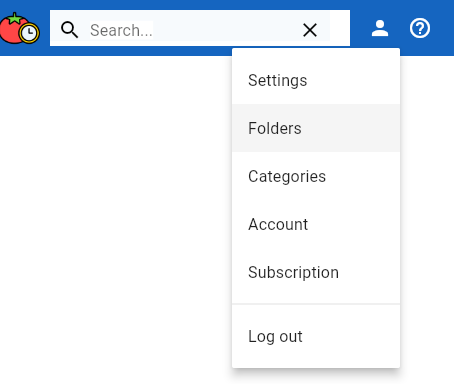
From the user menu found in the top right corner of the browser page, select the ‘Folders’ menu item.
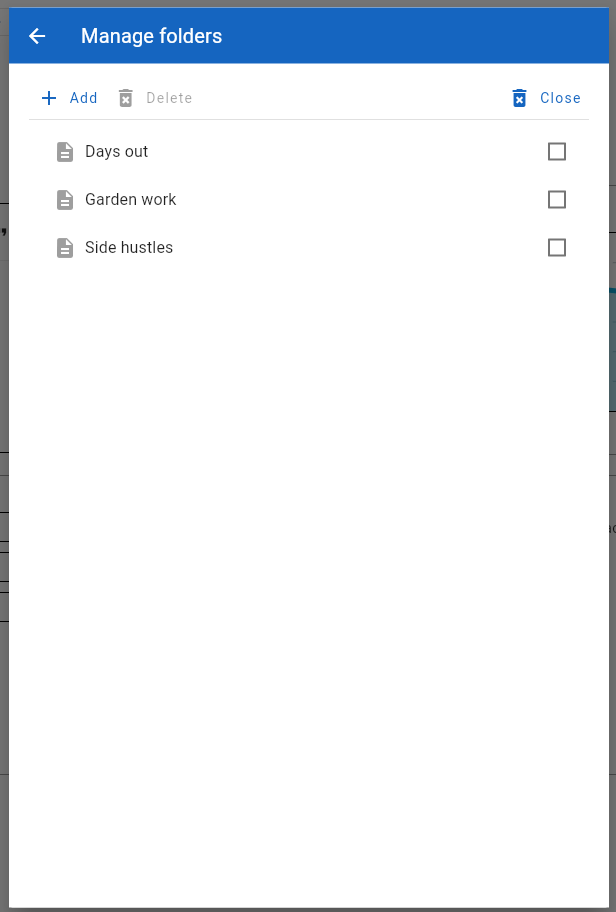
The ‘Manage folders’ form provides options for adding new folders, changing existing folders and deleting folders.
Using folders with tasks #
At task may be associated with a folder. The task edit form includes a folder selection control.
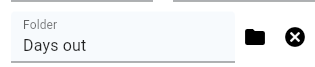
A folder may also be included as a task list filter.
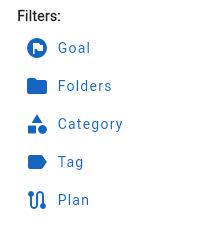
Either from the Quick filter buttons found in the action panel of the Today and Tasks pages, or via the Filter form accessed from the Filter toolbar.
Using folders with goals #
In a similar fashion to tasks, a goal may be associated with a folder.
The goals page allows the list of goals to be filtered by folder.